
Cute Halloween Coloring Book Review
Hands-on review of Cute Halloween Coloring Book: a not-scary seasonal app for preschool and kindergarten kids, with a real parental gate and a steep paywall.
Published September 29, 2026 · Updated
Reviewed by BestColoringApps Editorial Team
App testing & reviews · See our review methodology

Cute Halloween Coloring Book
Cozy, not-scary Halloween coloring pages for preschool and kindergarten kids.
View on the App StorePros
- Genuinely cute, not-scary Halloween art aimed at preschool and kindergarten kids — friendly pumpkins and a witch-hat design rather than anything dark or frightening
- A real parental gate — a labeled 'Ask a grown-up' press-and-hold step — sits between choosing a plan and completing a purchase
- No ads appeared anywhere during our testing session, and ad-free is listed as a base feature for everyone, not a paid-tier perk
- No premature upsell interruption — completing the one free page just marked it complete with a checkmark, rather than immediately pushing a paywall mid-session
Cons
- Only 1 of roughly 100 pages across ten themed collections (Pumpkin Pals, Little Witches, Boo Crew and more) is free — everything else requires a $6.99/month, $24.99/year, or $34.99 lifetime purchase
- The parental gate only appears at the final 'Continue' step, after a child can already browse every price on the paywall itself
- Released September 28, 2026 with no user ratings yet, so real-world reliability outside our own testing is still limited
Not ideal for: Anyone hoping for a mostly-free seasonal app — 99 of the roughly 100 pages sit behind a paywall
BCA Score Breakdown
- Artwork & Content
- Ease of Use
- Safety
- Ads & Distractions
- Value for Money
- Offline Experience
- Age Appropriateness
- Performance & Polish
How We Tested This
We installed Cute Halloween Coloring Book from a local build on an iOS simulator and worked through it hands-on: coloring the one free page, opening the paywall and Settings screens, and following the purchase flow all the way to the final confirmation step to check for a parental gate. As with every app on this site — including ones developed by a company affiliated with our editorial team — our findings here come only from that testing and from Apple’s own App Store data, not from the developer’s marketing copy. See our disclosure policy for how we handle apps like this one.
A correction: an earlier version of this review reported no parental gate, based on testing that stopped at the pricing screen. Tapping “Continue” on a selected plan reveals a genuine gate, and we’ve corrected the review and score below to reflect that.
A second correction (October 8, 2026): this page previously listed a BCA Score of 8.3. That figure did not match the criterion scores on this page; calculated with the weights on our methodology page they give 7.9, so we’ve corrected the score. Nothing about how the app behaved in our testing has changed.
Artwork & Content
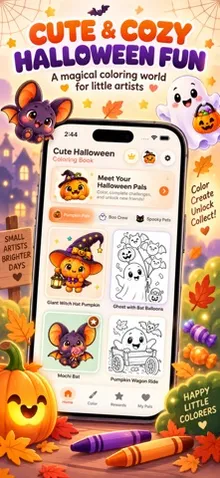
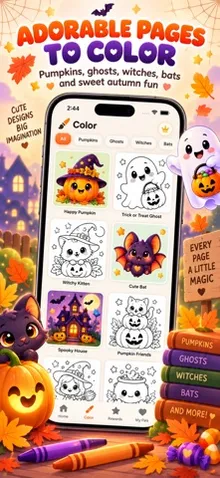
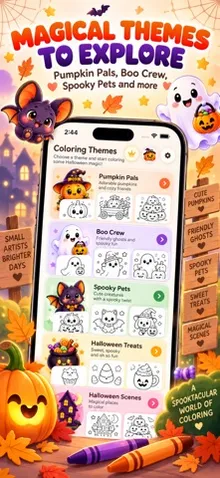
The art style is genuinely charming and deliberately not scary — the free page, a pumpkin character wearing a giant witch hat, is typical of the whole app: rounded, smiling, autumn-themed rather than anything dark. The home screen lists ten themed collections (Pumpkin Pals, Little Witches, Boo Crew, Spooky Pets, Trick or Treat!, Haunted Home, Monster Party, Magic Night, Halloween Treats, Cozy Halloween), which is a genuinely broad seasonal library on paper.
In practice, only the single page we tested was unlocked without payment. The paywall itself advertises “100 coloring pages,” which puts the free tier at roughly 1% of the total content — even more restrictive than the ratio we found in this developer’s Butter Buddies Coloring Book, where about 1 in 12 pages was free.
User Experience
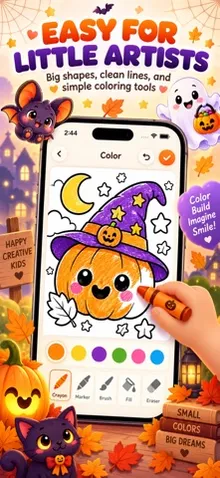
The tap-to-fill mechanic works well: tap a region, pick a color, it fills immediately, using the same bucket tool and gradient-named color swatches (Rainbow, Jade Dip, Chili Glaze, Plum Mist, and a Halloween-specific “Spooky” option) as this developer’s other apps. It’s simple enough for a young child to use without help.
Completing the single free page didn’t trigger an immediate upsell popup — it simply marked the page complete with a checkmark, and we could keep coloring. The paywall only appeared when we deliberately tapped the crown icon or a locked page.
That paywall offers the same three-tier structure we’ve seen across this developer’s lineup: $6.99/month, $24.99/year (marked “Best Value”), and $34.99 as a one-time lifetime purchase, unlocking “100 coloring pages,” no ads, and future updates. Selecting a plan and tapping the “Continue” button reveals a genuine parental gate: an “Ask a grown-up” screen requiring a 3-second press-and-hold, clearly aimed at filtering out a young child’s stray taps rather than an adult’s deliberate action. We didn’t hold it through to an actual purchase attempt. This is a meaningfully different result from what we found in Butter Buddies Coloring Book, where we didn’t locate an equivalent step — worth re-checking there too, since our methodology has now changed.
One design note worth flagging: the gate sits after a child can already see and tap through every price on the paywall screen itself, rather than before the paywall is shown at all. That’s a smaller concern than having no gate, but it means a curious child can still browse pricing unsupervised before the hold-to-continue step actually blocks anything.
On the positive side, we never encountered an ad anywhere in the app, and this app’s own description lists “No Ads” as a baseline feature for everyone (“No Ads • Offline • Safe for Kids”) rather than a paid-tier perk. Settings also includes Sound Effects and Haptics toggles (both on by default), a Parent Zone with Privacy Policy, Terms of Use and Restore Purchases links, and a clearly-labeled developer-only debug toggle (“Unlock Premium (debug),” explicitly marked as not shown in release builds), which we deliberately left off to preserve a representative real-user test. The in-app version shown was 1.0.2 (3), a more current build than the “1.0” listed via the App Store’s public metadata at the time of testing.
Our Take
Cute Halloween Coloring Book gets the tone right for its audience — genuinely cute rather than scary — the coloring mechanic is smooth and ad-free, and it’s the first app in this developer’s lineup where we’ve found a real parental gate in the purchase flow. The free tier is still thin (1 of roughly 100 pages), so go in expecting to subscribe or buy the lifetime unlock if you want the full library. If you’re hoping for a mostly-free seasonal app, this isn’t that — but the purchase flow itself is safer than we initially reported.
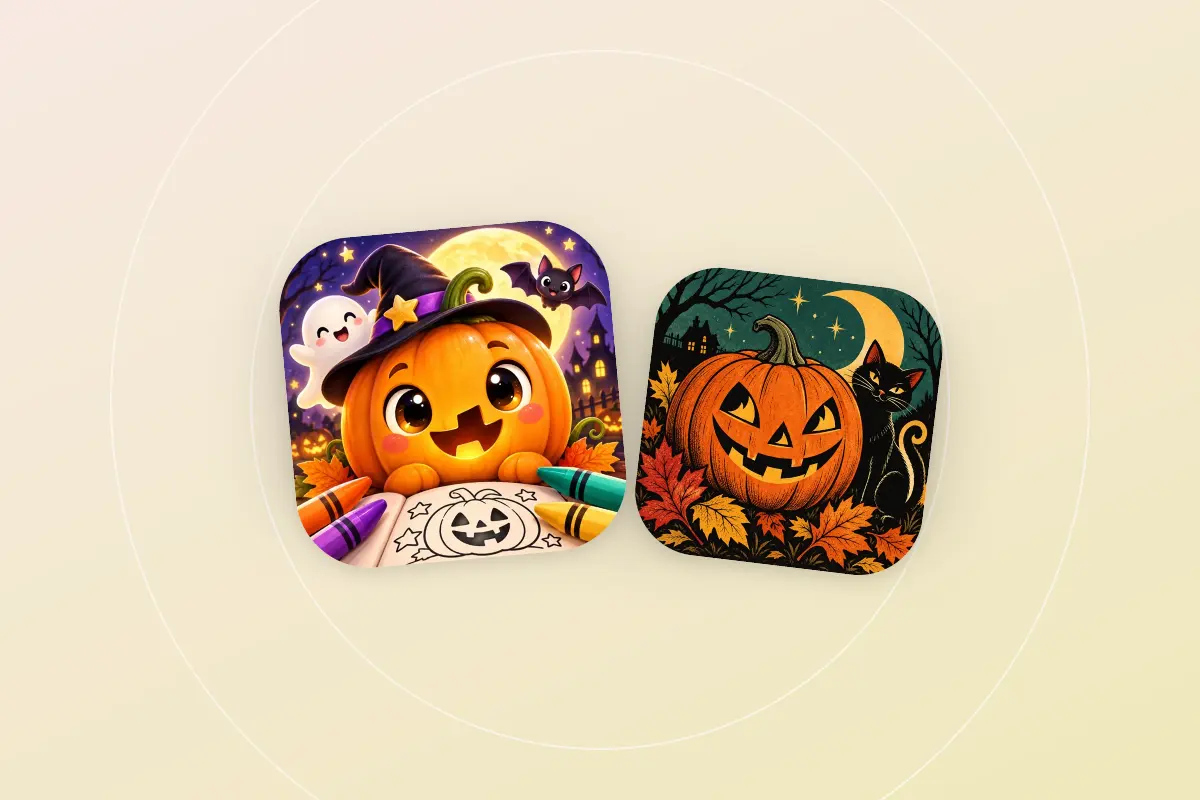
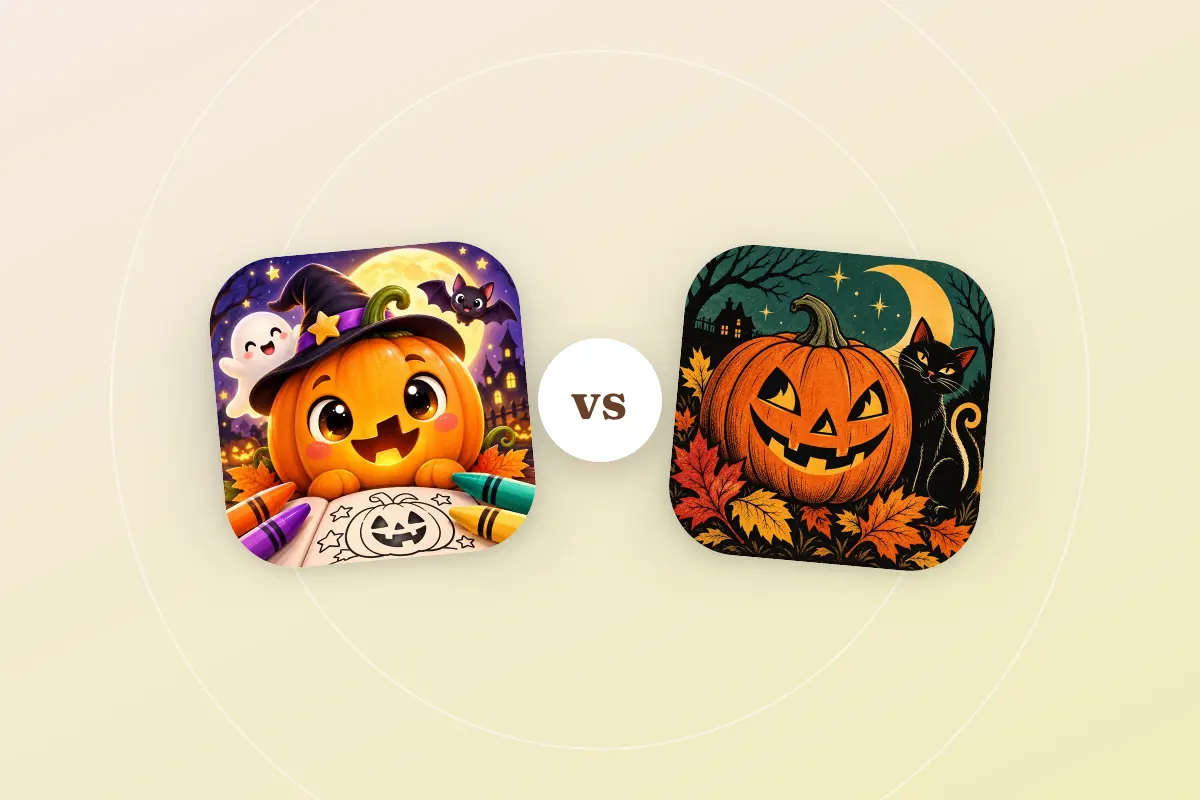
If the app is for a teen or adult rather than a young child, see our comparison of Cute Halloween and Vintage Halloween.
Related Reviews
Dumpling Squishy Coloring Book Review
Our hands-on review of Dumpling Squishy Coloring Book — a food-inspired kawaii coloring app with a mystery-box collectible hook, for kids on iPhone and iPad.
Kawaii Animals Coloring Kids Review
Our hands-on review of Kawaii Animals Coloring Kids — a kawaii-style animal coloring app for kids on iPhone and iPad.
Rankings Featuring Cute Halloween Coloring Book
Head-to-Head Comparisons
Browse More Coloring Apps
Helpful Guides
How Much Does a Coloring App Subscription Really Cost You in a Year?
A coloring app subscription at $6.99 a month looks cheap until you compare it with the yearly and lifetime options. How to work out which one saves money.
Why Your Kid's Coloring App Needs a Parental Gate
Regulators are cracking down on kids' apps that reach a purchase screen with no adult check. What a parental gate is and how to check your kid's coloring app.
How to Cancel a Coloring App Subscription
How to cancel a coloring app subscription on iPhone, iPad and Android, step by step, plus what the FTC's Click-to-Cancel rule means if it isn't working.