
Vintage Halloween Coloring Review
Hands-on review of Vintage Halloween Coloring: a retro, adult-paced Halloween coloring app with a collectible keepsake twist, and a steep paywall.
Published October 1, 2026
Reviewed by BestColoringApps Editorial Team
App testing & reviews · See our review methodology

Vintage Halloween Coloring
A relaxing retro coloring book of witches, pumpkins and haunted houses for adults.
View on the App StorePros
- Distinctive 1940s–60s retro illustration style — witches, jack-o'-lanterns and haunted houses with real linework, not a generic clip-art look
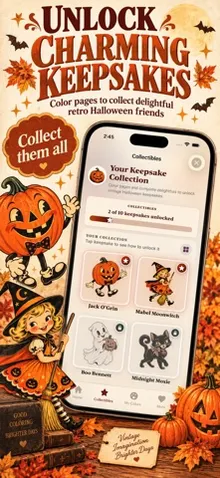
- A genuinely new touch for this developer: finishing a page unlocks a collectible 'keepsake' character card with its own art and description, adding light progression beyond just filling pages
- No ads appeared anywhere during our testing, and it's listed as a baseline feature rather than a paid-tier perk
- Settings and copy are written for an adult audience throughout ("Legal & Purchases," no kid-oriented framing), consistent with its stated audience
Cons
- Only 1 of roughly 100 pages is free — the same restrictive ratio we've found across this developer's recent releases
- The subscription pricing is identical to this developer's other apps ($6.99/month, $24.99/year, $34.99 lifetime)
- A second upsell prompt appears right after finishing the one free page, on top of the initial paywall
- Released September 30, 2026 with no user ratings yet, so real-world reliability outside our own testing is unproven
Not ideal for: Anyone hoping for a mostly-free adult coloring app — 99 of the roughly 100 pages sit behind a paywall, Kids looking for Halloween coloring — see our guide to the best Halloween coloring apps for kids instead
BCA Score Breakdown
- Artwork & Content
- Ease of Use
- Safety
- Ads & Distractions
- Value for Money
- Offline Experience
- Age Appropriateness
- Performance & Polish
How We Tested This
We installed Vintage Halloween Coloring from the App Store on an iOS simulator and worked through it hands-on: coloring the one free page to completion, browsing the visible theme collections, opening the paywall through to its final “Continue” step, and checking the Settings screen for how the app is actually built for its stated audience. As with every app on this site — including ones developed by a company affiliated with our editorial team — our findings here come only from that testing and from Apple’s own App Store data, not from the developer’s marketing copy. See our disclosure policy for how we handle apps like this one.
Artwork & Content
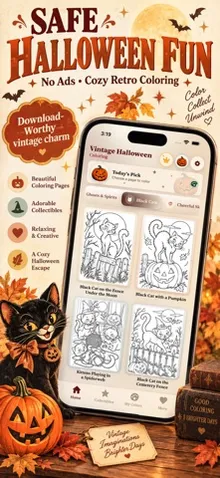
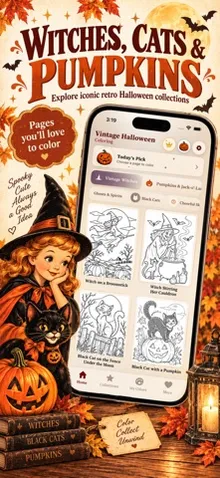
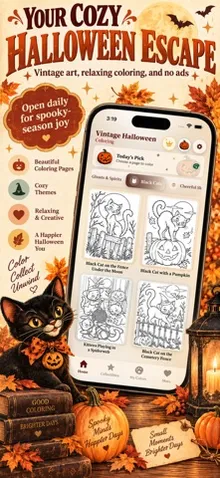
The artwork leans into a genuine vintage look — the free page, “Witch on a Broomstick,” has a mid-century poster feel, with a grinning witch silhouetted against a full moon over a pumpkin patch, rendered in fine linework rather than a simplified style. The app organizes its library into themed collections — we confirmed Vintage Witches and Pumpkins & Jack-o’-Lanterns, each with multiple pages visible, including ones like “Witch Stirring Her Cauldron” and “Witch Reading a Spell Book.” The app’s description lists a broader set of themes across the full collection: ghosts, skeletons, black cats, bats, haunted houses and retro monsters, alongside pumpkins and witches.
As with this developer’s other recent releases, only the single free page is unlocked without payment. The paywall states “100 vintage coloring pages,” putting the free tier at roughly 1% of the total content — the same restrictive ratio we found in Cute Halloween Coloring Book and Retro Toy Box Coloring Book.
User Experience
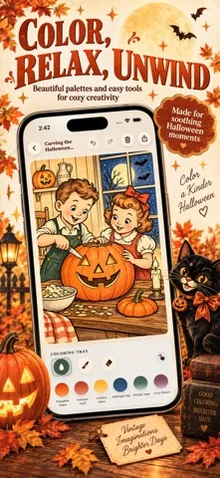
The tap-to-fill mechanic matches this developer’s other apps — bucket, brush and eraser tools, plus gradient-named color swatches (Rainbow, Midnight Dip, Pumpkin Glaze, Raven Mist, and more). One genuinely new touch: finishing the free page triggered a “Beautifully Done!” celebration screen, then separately unlocked a collectible “keepsake” — a character card (“Mabel Moonwitch,” marked “Common” rarity) with its own illustration and a short description. It’s a light collection-game layer on top of straightforward coloring, and we hadn’t seen it in this developer’s earlier apps.
Right after that celebration, a second upsell appeared — “Want to color them all? Unlock 99+ vintage pages” — separate from the crown-icon paywall available at any time from the main screen. The paywall itself offers the same three-tier structure we’ve now seen across this developer’s recent releases: $6.99/month, $24.99/year (marked “Best Value”), and $34.99 as a one-time lifetime purchase. We selected a plan and reached the final “Continue” step; the simulator’s StoreKit sandbox didn’t let us complete an actual purchase attempt from there. Since this app is aimed at adults rather than children, a parental gate isn’t the relevant safety question the way it was for Cute Halloween Coloring Book — we didn’t find one, and we wouldn’t expect this app to have one.
We never encountered an ad during testing, and “No Ads” is listed as a baseline feature in the app’s own description rather than a paid-tier perk. Settings includes working Sound Effects and Haptics toggles (both on by default), and real Privacy Policy, Terms of Use and Restore Purchases links. The in-app version shown was 1.0 (2), consistent with the version listed on the App Store at the time of testing.
Our Take
Vintage Halloween Coloring brings real craft to its retro art style and adds a small but welcome twist with its collectible keepsake cards. The trade-off is familiar from this developer: a single free page against a library of roughly 100, with subscription pricing identical across their catalog. If retro Halloween art and the collectible angle appeal to you and you’re comfortable paying for the full set, it’s a solid pick for the season. If you’re browsing for something mostly free, look elsewhere first.
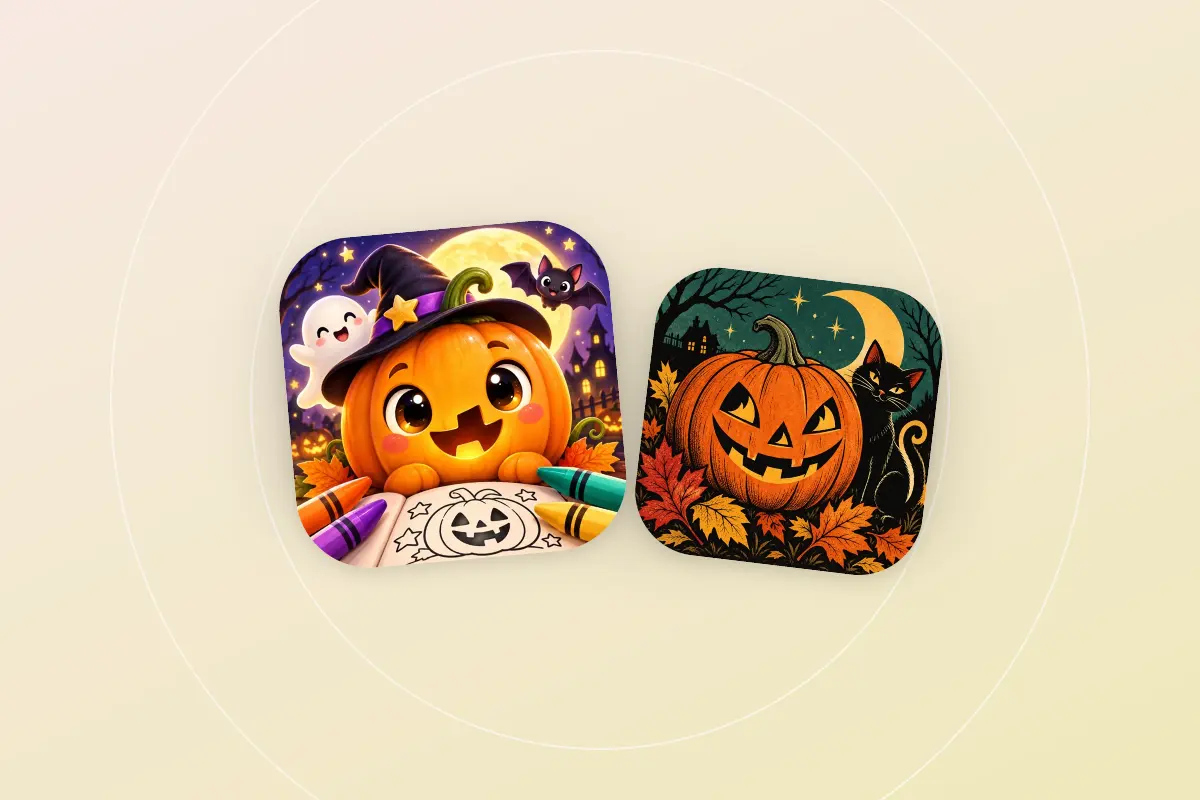
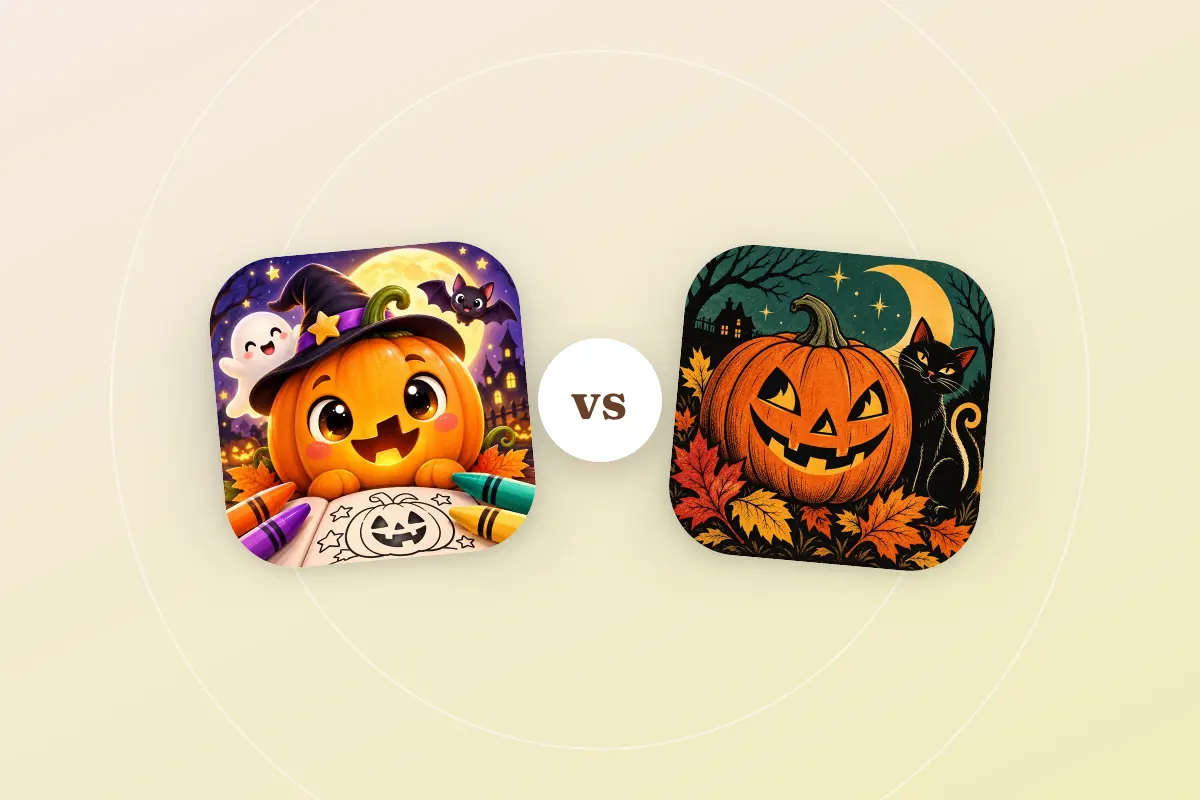
Still deciding between this and the kid-focused option from the same developer? See Cute Halloween vs Vintage Halloween.
Related Reviews

Rankings Featuring Vintage Halloween Coloring
Head-to-Head Comparisons
Browse More Coloring Apps
Helpful Guides

How Much Does a Coloring App Subscription Really Cost You in a Year?
A coloring app subscription at $6.99 a month looks cheap until you compare it with the yearly and lifetime options. How to work out which one saves money.

Why Your Kid's Coloring App Needs a Parental Gate
Regulators are cracking down on kids' apps that reach a purchase screen with no adult check. What a parental gate is and how to check your kid's coloring app.
How to Cancel a Coloring App Subscription
How to cancel a coloring app subscription on iPhone, iPad and Android, step by step, plus what the FTC's Click-to-Cancel rule means if it isn't working.